> For the complete documentation index, see [llms.txt](https://learn.bluefin.io/bluefin/llms.txt). Markdown versions of documentation pages are available by appending `.md` to page URLs; this page is available as [Markdown](https://learn.bluefin.io/bluefin/bluefin-perps-exchange/getting-started/onboarding.md).
# Onboarding
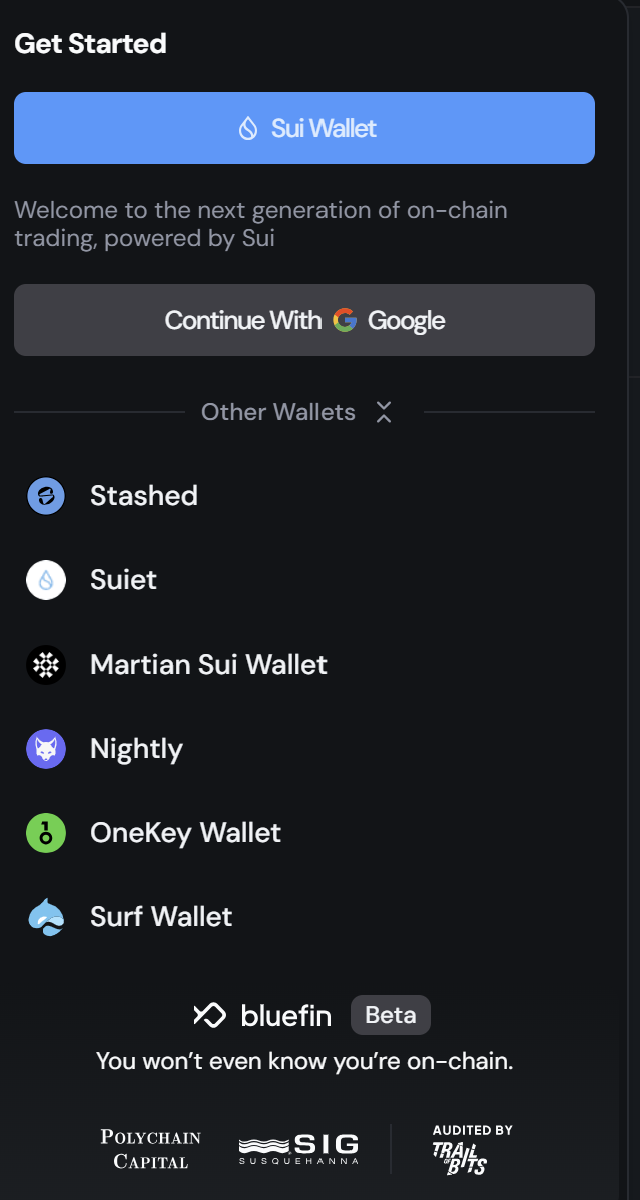
## **Connect your Google Account or Sui Wallet**
Bluefin supports a variety of web3 wallets powered by the Sui blockchain, including Suiet, Martian, Stashed, Nightly and Surf Wallet. The most popular options are Sui Wallet and connecting via a Google account (enabled by ZK technology). Using Google accounts allows users to avoid needing to manage Private Keys, and the public key generated for your account will be unique for Bluefin, meaning that you can connect to Bluefin on any device using your same Google account and the public address in the Bluefin application will be the same.
After connecting your wallet you will have to complete the Onboarding process before starting to trade. Click on either prompt shown under your account header.
Onboarding selection
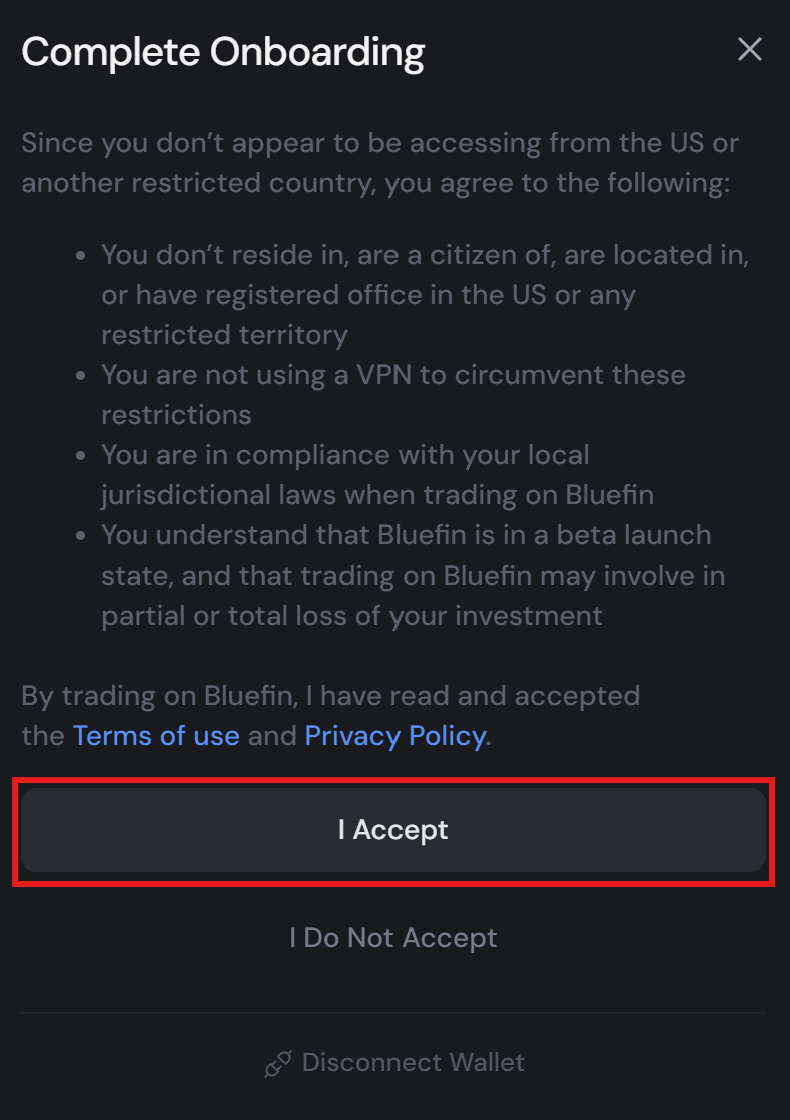
Afterwards you will have to accept the terms of use for trading on the platform, and if the onboarding is succesful you will see a pop-up show in the bottom right corner of the app that says "Terms accepted! Welcome to Bluefin!"
Terms and conditions
{% hint style="info" %}
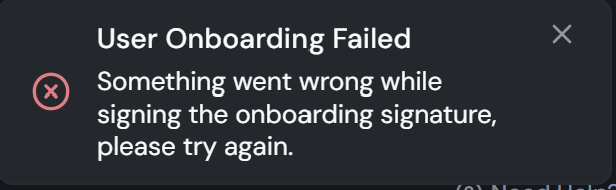
**NOTE**: There are cases where the Onboarding signature can fail with the message outlined below, in this scenario please **update your Sui Wallet extension to the latest available version**. If this continues to be a problem after you have updated the wallet the please contact our support team on Discord and you will be attended within 24 hours!
{% endhint %}